Thursday, September 11, 2014

Saturday, September 6, 2014
How to Make Treasuries on Etsy
Creating Treasuries on Etsy
By Janet, PengyPatterns
I love making treasuries. I think of it as kind of a social media window shopping. It is so much fun creating a theme and searching for the best items to feature. I also can't help getting a kick reading the comments and seeing how many views, clicks, and admirers it gets. With any luck, it will help the sales of featured sellers.
A treasury is a picture list of up to 16 items for sale on Etsy organized in an on-line collection. Clicking on any image in a treasury will take you directly to the item listing. That makes these a fun way to promote items you love. Etsy members can
favorite the treasury, any of the items, and leave comments. There are also links to share the treasury on Facebook, twitter and Pinterest.
 |
| Click HERE to view the Treasury! |
These items have a common theme that will be reflected in the title. The Etsy member who creates the treasury is know as the curator. Any Etsy member can create as many treasuries as they like. You can keep it private for your eyes only, or make it public so anyone on Etsy can see it.
To create you own treasury, go to Etsy's main page, scroll down to More Ways to Shop and click on Treasury. On the right under curator tools, click Create A List.You will find yourself on this page www.etsy.com/treasury/new I would leave it set on draft until you are ready to publish it.
Fill in the title of your treasury and a short description. Open another browser window to search for Etsy items you want to include. Cut and paste the URL of those items into the box that says listing URL and click OK. Continue until done. Items can be rearranged in any order you would like. Once you are happy with it, set the privacy back to everyone, and hit the save button at the bottom of the treasury. You are now online and ready to share your treasury with the world.
A few suggested guidelines:
Create interesting topics and titles
Don't include your own items
No more than one item per shop
Pick items with the best pictures
As I am writing this, I am going to create a new treasury. This treasury will feature patterns from the Pattern Patter Team.
Treasuries 101 using Treasury Box

1.If you use Google Chrome as your browser, make it easy by installing Treasury box
brittanysbest.com/treasurybox-chrome-extension/
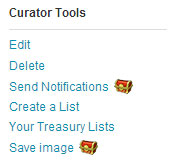 |
| (Image From Brittany's Best Blog) |
2. Pick a topic. I often pick an item similar to what I sell in my shop. Today I am going to choose vintage pants patterns sold by the Pattern Patter Team
3. Try a search like this Pants Patterns Pattern Patter Team
I came up with 2775 items. You may want to add something like decade searches.
Pants Patterns Pattern Patter Team 1940s (54 items)
Pants Patterns Pattern Patter Team 40s (31 items)
You could pick 16 from there, or I sometimes like to pick four from each decade. Within that search I sometime sort by most recent first to get the newly listed items.
Pants Patterns Pattern Patter Team 1950s (61 items) 50s (37 items)
Pants Patterns Pattern Patter Team 1960s (233 items) 60s (171 items)
Pants Patterns Pattern Patter Team 1970s (823 items) 70s (571 items)
4. Click on the treasury icon in the upper right hand corner of the picture to add to your treasury. I try to pick the most visually interesting pictures. You want to avoid duplicate shops. Treasury box will show you when you have a duplicate, or you just have to look at all the names in your treasury to check for duplicates.
6. Then I rearrange the items a few times until I like how they look.
7. Add tags - Make sure that you add your team tag if it's a Team Treasury! Need Tag Ideas? On the Treasury page there is a list of trending tags (see page sidebar)
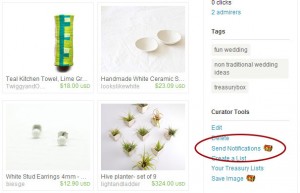 |
| (Image from Brittany's Best Blog) |
8. When you like how it looks hit the save button in the lower left corner
9. I like to contact the people in the treasury using treasury box.
 |
| (Image from Brittany's Best Blog) |
10. Go ahead and favorite all in your treasury and post on the Pattern Patter Team treasuries discussion so other team members know about it.
This does limit my searches to team members who use Pattern Patter Team as a tag in their listings. It save time going to one shop at a time. I did similar searches before I installed Treasury Box, but I find that it speeds up the process. Easier than copy and pasting links.
Wednesday, September 3, 2014
SEO TIPS -

THIS SERIES WAS WRITTEN BY THE CAPTAIN OF THE ETSY FELLOWSHIP SOCIETY TEAM, JEN
Week 1-4 whats ahead
TABLE OF CONTENTS
Why Search Engine Optimization is Important for Online Sellers
Understanding Etsy Listing Options
Listing workshop -Keywords
Listing workshop -Tags
Listing workshop -Descriptions
Get holiday ready ! Holidays and Etsy
Profiles And About / shipping and payments
Links
Relationships and why they matter
Teams as a tool
Networking on Etsy
Etsy and Social Media
understanding why it's important
Social media networking and set ups to work with your online stores
Twitter
Facebook
Pinterest
Advanced marketing skills and networking how to's and information
And more!!!
PART 1 GETTING TO KNOW YOUR ETSY LISTING OPTIONS-
Shop Sections

Sections are a useful way to organize item listings in your shop. Your sections are displayed as links in the left sidebar of your shop. You can use sections to group together item listings by type, size, or any other category you’d like. You may have up to 10 custom sections, as well as the default All Items section that is available in every shop.
To add or manage your Sections, click Your Shop and go to Sections on the left.
To add a new section, click Create new section, type in the name of a new section, then click Save. A section's name is limited to a maximum of 24 characters.
for mobile viewers this is especially important to their shopping experience!
(***Sections left empty.. will not show up in your shop - USE EVERY ONE
use all sections available // in mobile view it shows sections with one listing each, so your store looks empty if all your sections are not used. )))))))
To edit your sections' names, click the pencil link next to a particular section.
You can remove a section by clicking the trash can icon. Removing a section does not deactivate the listings within that section. These listings will now appear in All Items.
To put your items into Sections, choose All Items on this page. Click the checkbox next to the listings you want in a specific section, then select the section name from the drop down menu and click Save.
You can also move or remove listings from a section this way. Sections that do not have any item listings will not appear on your public shop page. You can only place a listing in one section.
Drag and drop the move icon to change the order in which the sections appear in your shop.
You can also add an individual item to a section when creating or editing the listing. There is a drop down menu for your sections below item description.
Homework:
Now GO TO YOUR STORES AND SEE IF YOU HAVE USED ALL OF YOUR 10 sections..
IF NOT.. make sure you have represented all the types of items you sell and edit as needed!
SHOP SECTIONS TIP:
Just go to your store STATS and select ALL TIME VIEWS and then scroll down and take a look at what your most searched items are under KEYWORDS.
This is a great tool That totally is worth looking at often - to know what others have typed into their search engines to find you in the past searches- (especially informative for those who have been on Etsy awhile)
I have all my 10 sections now in place and feel pretty good about it -
How about you. ??
ADDING PERSONALITY TO YOUR SITE BY USING BANNERS AND PROFILE PICTURES
check out this program I found for easy banner making.. Oh my gosh I love it.. it's easier than the way I do it in Photoshop even.
all you need is the image you want to upload or use their blanks.. add your text and details, and know the size of your banner you want to use
First, to display correctly, your Etsy shop banner will need to be exactly 760 pixels by 100 pixels in size.
- Profile pics: 75 x 75
- Item Listing photos: 800-1000 pixels wide.
- Team logo: 170 x 100
Make sure you save your banner image as .jpg, .png, or .gif file format.
To upload your banner, go to Your Shop > Info & Appearance. Click the Browse button to locate the file on your computer. Be sure to click the Save button at the bottom of the page.
bannerfans.com/banner_maker.php
How well do You KNOW Your - STYLE?
Most of you already know your own style, but do you know your art style or that your style may fit into multiple styles. Here's a great lot of information to help you decipher where your work fits into the mix
So buckle yourself in, sweethearts! Here's my basic breakdown- I'm sorry it's very long but there's a lot of genres! Even with some help it's taken me many hours to put this together!
_________________________________
Etsy Style Descriptions
_________________________________
 |
| AfricanDreamland |
Art Deco - 1920s-1930s, geometric designs, stylized figures, straight lines. The Chrysler building, Miami hotels, flapper girls.
 |
| Comics Alliance |
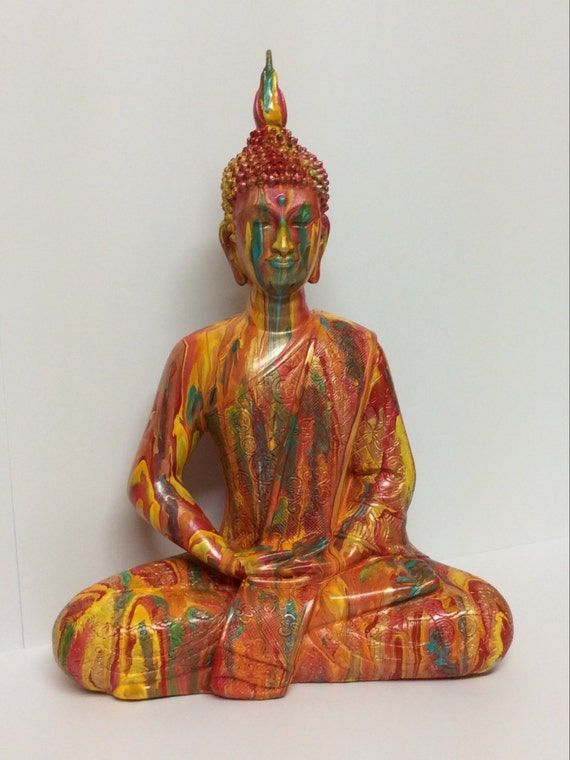
Asian - pretty straight forward, Red and black, feng shui symbols- think Chinatown., Japan town.. Fishing communities of asia, chinese medicine, buddahs and chopsticks, sushi related items, silk dresses and lots of RED and Gold.. lucky number 8
Athletic - Just think of the local sports shop, that's athletic. Tight fitting, simple lines, little in the way of pattern. Hiking and Action Clothing. yoga wear, leggings and gym bags would go in here.
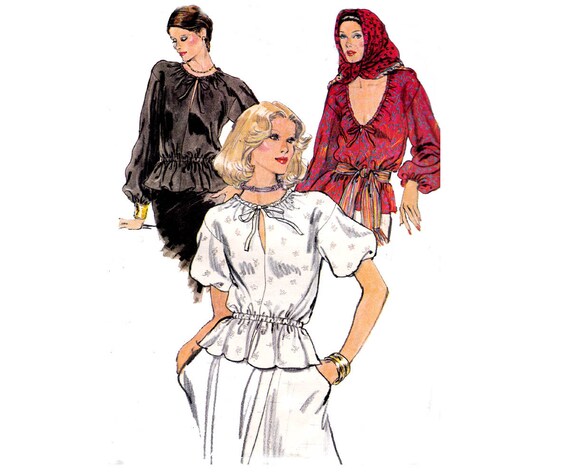
Avant Garde - this is tricky- it's sort of art fashion. It literally means 'the new guarde' and it's anything hyper-modern and a bit out there, stuff you look at and think 'woah, that's...different.' If you consider yourself ahead of your time, then your stuff goes in here! The avant-garde is considered by some to be a hallmark of modernism, as distinct from postmodernism
 |
| AllThePreciousThings |
 |
| ViennasGrace |
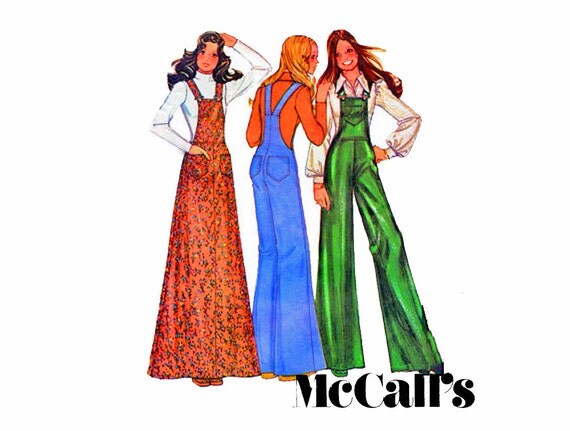
Fantasy - anything with dragons, fairies, pixies, unicorns, dwarves and elves (oh my!). Think Lord of the Rings, Labyrinth, disney, Alice in Wonderland, . You can add romantic, tribal, gothic or steampunk to this style as well, it's quite broad.
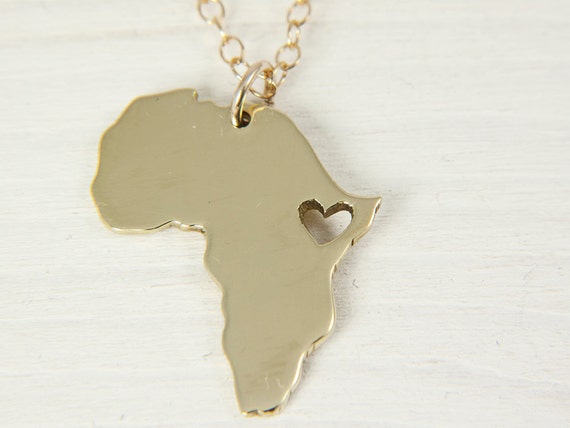
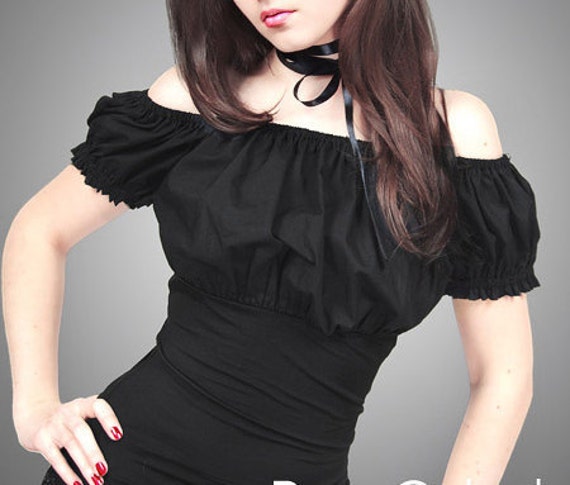
Folk - folk art is primarily utilitarian and decorative rather than purely aesthetic- Folk Art is characterized by a naive style, in which traditional rules of proportion and perspective are not employed. Closely related terms are Outsider art, Self-Taught Art. Many folk art traditions like quilting, ornamental picture framing, and decoy carving continue to thrive, while new forms constantly emerge., decorated, mom and pop art, small figures and toys of wood while toys made from wire and recycled materials. Also African Folk Art - Pottery is made all over the continent of Africa for functional and ritual use. Pottery, along with basketry vessels, was essential to carry and store food and water would be included.
 |
| PaperCatsPL |
High Fashion - designer wear, tailored forms, good quality materials and excellent craftsmanship. High Fashion is like a delicate way of saying 'very well made and very expensive'.
Hip Hop - Think Tribe Called Quest, Snoop dog, older - Run DMC, The Beastie Boys, The Fresh Prince of Bel Air. Hip Hop is 80s and 90s street style- bright colours and sportswear brands paired with over-the-top gold jewelry and the most expensive Nikes you can find.
Hippie - hippie is boho with the addition of tie-dye, acid bright colours, big floral prints and ethnic prints. Think Long Hair, Woodstock and 60s Haight/Ashbury.
Hipster - Think new trends, barnwood, mustaches, black triangles, geometrics in primary colours, pared-back native style, nerd glasses, bikes, etc. If you make something that's hipster, you will know. Other attributes that go along with this can be trendy, Industrial, New Age, tribal, woodland and Edwardian.
 |
| MantuaMaker |
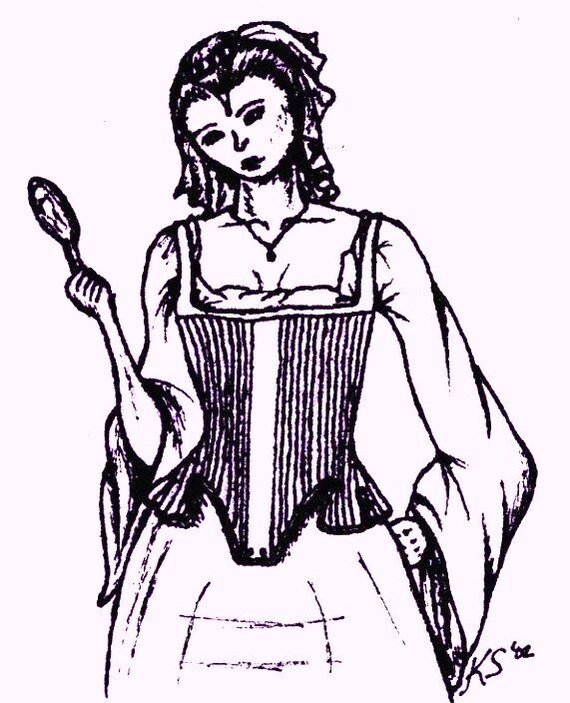
Hollywood Regency- part old Hollywood Glamour, Moroccan bazaar, part Georgian townhouse, part Art Deco palace. Think 20s/30s/40s old-school glamour, Spanish architecture, silks and satins, creamy jewel colours and opulent rooms. Modern Hollywood Regency seems to have lost a lot of the Moorish influence but still carries the elegant glamour of big old 1920s houses. Marilyn Monroe, Movie stars home decor, high end art.
Industrial - this is a sort of modern look, but with very factory-style lines. Industrial is a very simple almost severe look, and is most often comprised of vintage salvaged things like steel-topped tables, trestles, product moulds from factories and big signs. Industrial has the feel of a big old factory, with lots of metal, chunky wood and hazard colours.
 |
| Plusheez |
Kitsch - Kitsch is retro tacky. Think of your grandmother's donkey shaped salt and pepper shakers, 1970s tourist souvenirs, 1960s paintings on velvet etc. Anything 60s/70s, colourful and humorous. Think Hairspray, Pee-Wee Herman and old-school Disneyland.
Mediterranean- a sort of rustic with a dose of preppy nautical and a touch of high-end resort. Mediterranean is hard look to pin down- it's usually white, terra-cotta, and bright blue. Nautical themes, summer style. Think of the Greek Islands and 1990s Ralph Lauren.
Mid-Century - Pure 1950s! Everything that was modern and clean lined in the 1950s. Soft colours such as lemon yellow, aqua, baby pink and sea green are used. There's not much pattern but when their is it's usually shapes like atoms, kidneys, arrowheads and boomerangs. Dior's 'new look' (despite it being 1947!) and the TV show Mad Men are perfect examples. A lot of stuff that's mid-mod is also called Eames era and atomic age.
 |
| RabbitHouseVintage |
Minimalist - following the mantra 'less is more', this is modern with the most simple terms. Natural materials, stainless steel, straight lines, smooth textures, functional. Think of old movies when they show people in heaven. (Though ironically it's most people's idea of hell!) Minimalist style contains objects and fashion that does little more than serve it's function- all adornment is shunned.
Mod - sharp graphics, black and white, tight fitting clothes, geometric shapes, Mod is a sort of Mid-Century avant-gaurd. It was the stuff in the 60s that was diametrically opposite to the hippies and predominantly a UK style. Micro length shorts and skirts, knee high go-go boots, Perspex jewelry, tailored lines and sharp cuts. Think Austin Powers, The (original!!) Italian Job and model icons like Twiggy.
Modern - Modern is a sort of generic term for anything that's made now and is the typical example of it's time. something that didn't exist in years past, or re invented to have a new up to date look.. The thing about the modern attribute tag here is that it will put a modern angle on anything else you choose. Use modern with tribal if you make runway style, use modern with traditional if you've taken an antique dresser and painted it pink, use modern with Romantic if you've made a necklace that's a tea cup shape cut from white perspex, etc.
 |
| FindCraftyPatterns |
Nautical - nautical is black, blue and white, tailored shapes and anything you can attribute to yachting, so anchors, grommets, rope, etc. It's preppy at sea. Think Ralph Lauren, Miami Vice, The Love Boat. Nautical was huge in the 80s and 90s. Ocean and Sea themes, fish and water.
Neo-classical- Neoclassicism is a revival of the styles and spirit of classic antiquity inspired directly from the classical period,[2] which coincided and reflected the developments in philosophy and other areas of the Age of Enlightenmenta bit tough to pin down, this is a sort of historical modernism. Usually Italian style of the 17th and 18th centuries with a fresh, modern twist. It's marble columns, Georgian features, pale colours and elegant forms. Think the great cotton mansions of the South, Italian Renaissance details, 80s country club decor.
 |
| CapeCloset |
Primitive - from a style point of view, this is usually American primitive (also called 'prim'). Colonial furniture, muddy colours, rusty metals and faded prints. Harvest themes and simple solid farmhouse aesthetics. Other attributes that will go with this include Rustic, Country and Tribal (for when you mean primitive man). Also indicates few tools used to make the item.
Resort - glamorous super models lounging by the pool. Kaftans, giant sunglasses, cocktails, swimwear (especially skimpy or classically tailored) and anything floaty and simple. There's a good dose of tropical in resort style.
Retro- I like to think of retro as 'kitsch vintage'. Retro is the period from the 60s to the 70s where things got a little out of control- think bold wallpaper, loud shirts, big patterns, wide flares and luminous colours. Disco meets Pop.
Rocker- this is sort of punk without the overkill. Rocker style is all about adding glam to a motorbike gang. Black leather, studded belts, cowboy boots, lightening bolts, skulls, electric guitars, stars and big hair. Colours are usually red, yellow, pink or lime green with a good dose of black. Think Aerosmith, 80s hair bands, Brett Michaels, Judas Priest, Ozzy, Iron Maiden.
Rustic - texture! Anything that's rough, simply made and a little bit country. Raw wood, rusted metal, neutral colours. It's country pared right back and primitive without the colour.
 |
| NewAmericana |
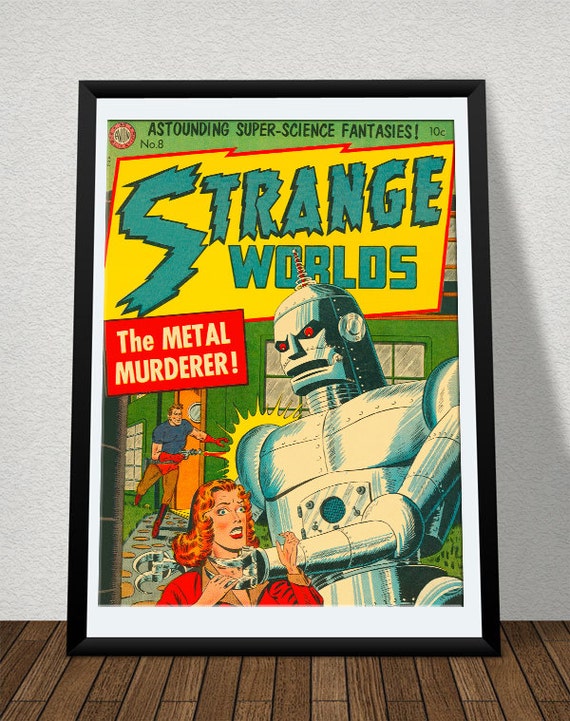
Sci-Fi - Think space, star wars, star trek, Buck Rogers... lots of white, silver, clear, plastics and chrome, universe and UFO's. Colour is rare but it's usually Black, Chrome, Greys, fire engine red and royal blue in luminous 'what does this button do?' tones.
Shabby Chic - I think we all know what this looks like. Lots of repurposed and refinished items here. I will delicately mention that Shabby Chic is a copyrighted term by Rachel Ashwell, and many people simply call it 'shabby cottage' instead (I would suggest Etsy changes this as soon as they can). It's white on white, lots of lace, cream tones, faded natural tones, pink, roses, chandeliers, zinc buckets... you get the picture. Other attributes that will go with this include traditional, rustic, Boho, some hippie Victorian and Edwardian.
Southwestern- Think Arizona desert, New Mexico indian prints and hanging skulls and horns on the wall. Way back in the olden days they used to call this 'tex mex' or Santa Fe. It's part cowboy, part Indian. Desert colours, Native patterns, natural materials., indian influenced beadwork, and the ranch look.
Spooky - Scary eerie horror movies, Halloween, gothic. Ghosts, spiders, haunted houses, graveyards etc. It's the more cutsey side of gothic, usually with bright colours of yellow orange and lots of black.
 |
| UmbrellaLibrary |
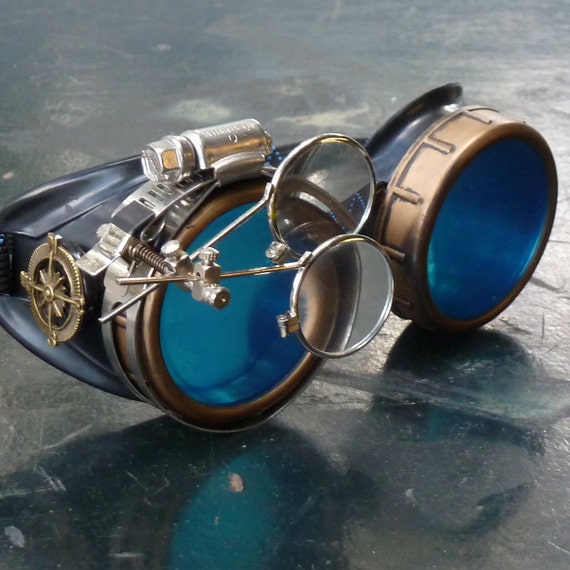
Steampunk - is a sub-genre of science fiction that typically features steam-powered machinery,[1] especially in a setting inspired by industrialized Western civilization during the 19th century. Steampunk works are often set in an alternative history of the 19th century's British Victorian era or American "Wild West", in a post-apocalyptic future during which steam power has regained mainstream use, or in a fantasy world that similarly employs steam power. Steampunk perhaps most recognisably features anachronistic technologies or retro-futuristic inventions as people in the 19th century might have envisioned them, and is likewise rooted in the era's perspective on fashion, culture, architectural style, and art. Such technology may include fictional machines like those found in the works of H. G. Wells and Jules Verne, or the modern authors Philip Pullman, Scott Westerfeld, Stephen Hunt and China Miéville. Other examples of steampunk contain alternative history-style presentations of such technology as lighter-than-air airships, analog computers, or such digital mechanical computers as Charles Babbage's Analytical Engine.
Steampunk may also incorporate additional elements from the genres of fantasy, horror, historical fiction, alternate history, or other branches of speculative fiction, making it often a hybrid genre, lots of owls, octopus, clock conversions to jewelry and accessories., think air ships and the first flying machines.
Techie - relating to, or skilled in the use of technological devices, such as computers. handmade lights, industrial, inventions, devices like motherboards and things made of recycled computer hardware, rockets and clocks. Things made with moving parts/ phones and phone accessories, turntables and gadgets. Think Inspector Gadget, Engineering, Computer Science., sometimes geekery is included in this style
Traditional- Typically considered to be Georgian/Victorian, traditional is often a colonial look with handsome furniture, antique details and elegant patterns. Anything antique and grand usually fits the style perfectly. Relaxed dark colours and comfortable furniture, stately homes, gentleman's clubs and respectable hotels.
 |
| KongoKollection |
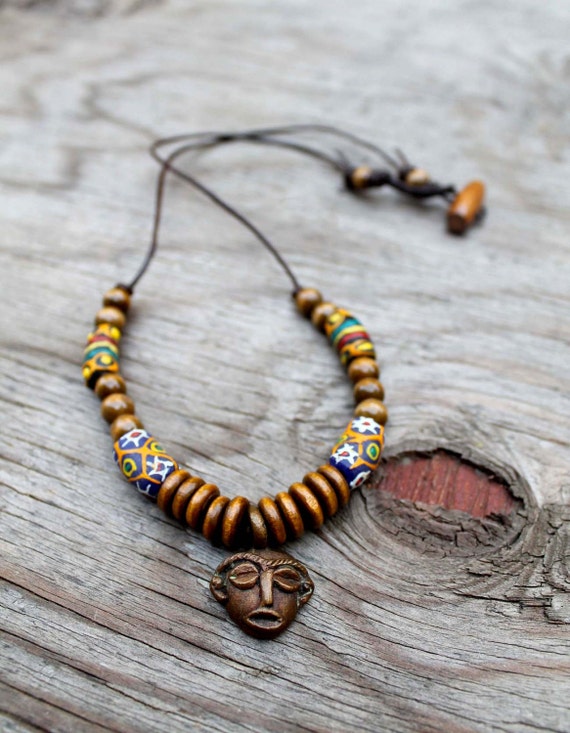
Tribal - much like African, tribal has a primitive barbarian feel to it. Bone beads, earth tones, geometric shapes like arrows and triangles, native style, simple construction, rough cast metal and natural materials.
Victorian - pretty straight forward- anything that's Victorian in style. You don't have to be accurate (that's what the historical tag is for!) but anything modelled to the last half of the 19th century is 'pure' Victorian, with the high peak being 1860s- 1880s. Though the Victorians were mad for colour, Victorian style now days is usually the ornate, lace-and-beaded black-on-black that was popular in the 1880s and 1890s, with high button boots, lace cuffs and cameo jewelry.
 |
| AppleNamos |
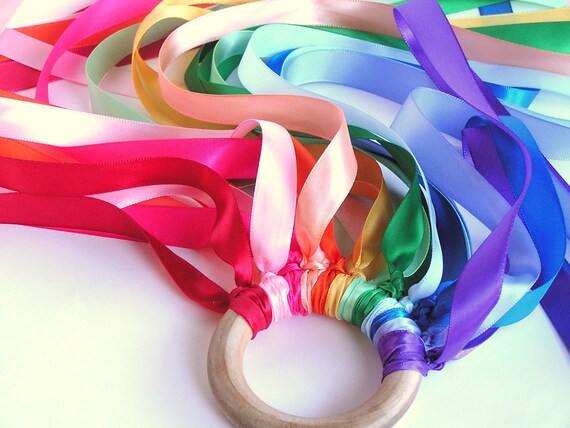
Waldorf- Waldorf items are inspired by Waldorf education. The early childhood classroom in a Waldorf school is filled with toys made from natural materials, such as wool and wood. Waldorf items are not necessarily toys, but are inspired by the natural and simple beauty of the Waldorf classroom. Waldorf virtues are goodness, beauty and truth, I think that can be found in our creations.
 |
| LTCreates |
Zen- Peaceful, Meditation and Calm, Things that inspire relaxation, this is the Japanese side of Oriental. Clean lines, modern shapes and simple construction, Zen is clam, neutral in tone and almost minimalist in design, also has ties to eco conscious and sustainable art for the home, yoga and buddah.
So there you go! I hope this helps everyone. If you're still unsure which attributes suit your items, do pop it in a comment here and I'll see if I can help. If you have attributes that you think should be added to any of these leave a comment and we'll update it before we add this to our blog's SEO Feature that's up and coming ( It will be a great archive of this information that will be out there for you or your team members to go back to if needed in the future.
ed in the future.
Friday, August 22, 2014
Welcome Pattern Patter Team Members!
Welcome Team Members!
.jpg)
I have decided to create a blog for the team. This blog is different frompatternpatter.blogspot.com. This is a blog for us - I will post tutorials on social media, Photoshop, seo, and so on. Do you have something to contribute? Have a request? Contact me!
PHOTOSHOP TUTORIAL
Photoshop Elements 11 Editing Tutorial
Photoshop Elements 11 is the home version of Adobe's photo editing software.
Amazon sells it for about $75.00. HERE
A new version is also available (Photoshop Elements 12) (approx. $65.00) HERE
Since my experience is with Photoshop Elements 11 and earlier versions, my tutorial will be based on the version I use.

The small file picture at the bottom right is File Settings. This is where you will enter the file name and choose the destination
 For Vogue I would Type Vogue(space) extension 001. My destination is always the same. I have a file called
AAA Pattern Scans. This file is kept empty until I scan. After I scan a batch, I go through and edit the file name. I change the file from Vogue 001 to
Vogue 1768 Size 12. (Back of pattern ends in (-1) When all of the file names have been changed, I move them my Pattern Scans Folder.
Now on to editing! This is the screen you see when you open Photoshop. You can choose the amount of control you have by selecting Quick, Guided, or Expert Level. I find Expert to be easier as you have more control.

 |
| Open File to be edited |
Open the file to be edited. Click on
Image>Resize>Image Size
Reduce the width to 900 Pixels. Click
File>Save for Web
That saves the image as is in the correct size for the picture slots on the listing page.
 |
| Crop Area Selected |
Creating the Edited Image
 |
| Cropped Photo |
Click on Image>Crop Select the picture that will be the focus of the edited image. Crop the side bar, etc.
The image below is the image that will be the base of your finished photo.
Next the background needs to be selected. There are several methods that you can use, I am just showing you my method.
In the picture to the left, you will see a red arrow. I will be using these arrows to show you what tool to use.
 |
| Tool Options |
 The tool here is called Quick Selection Tool. The picture to the right shows the options for the tool. For this purpose I use the basic selection tool. Make sure that "add" is selected, the slid bar changes the size of the selection tool. Start selecting the white background.
 Don't worry if part of the picture other than the white gets selected. We can fix that later! Once all of the white is selected, change the tool from add to subtract. reduce the size of the tool. zoom in close to deselect any areas of the picture that should remain after the background is replaced.

Now the fun part.
Go to EDIT>FILL SELECTION>
Choose White at 100%
 Now that the image is cleaned up, time for some fine tuning. Go to Enhance>Auto Levels and click. The picture will most likely darken. But - the colors get richer too. Now Go to Enhance>Adjust Lighting>Brightness & Contrast. Increase the brightness. Now that the lighting is corrected, go to Enhance>Adjust Color>Adjust Hue & Saturation. Fine tune the colors.
Now the background is white, the colors are corrected. Next is sizing the image and the canvas.
Resizing and Adding a Canvas
Determining the size of your image is important. It has taken me a long time to get the size right. I still find edited photos that need some major resizing! The final size with the canvas will be 835 pixels square.
Go to Image>Resize>Image Size. On most patterns the height is the larger dimension. Make the largest dimension 750 pixels. The other dimension will automatically adjust with it.
Now add the canvas go to: Image>Resize>Canvas Size. Change the measurement from Inches to Pixels. Enter 835 in both the width and height and hit ok. Now take a look at your image. Is everything where it should be? Are you happy with it? If so, It's time to Save.
Saving Your Edited Image
To save the image, Go to File>SaveForWeb
You will then see this window:
 There are so many drop down menus and buttons on this page. - Ignore them!
Hit Save. The Save window will pop up, choose your destination and click save. You're done.
 |
| Started with this |
 |
| The Finished Product! |
Subscribe to:
Posts (Atom)